
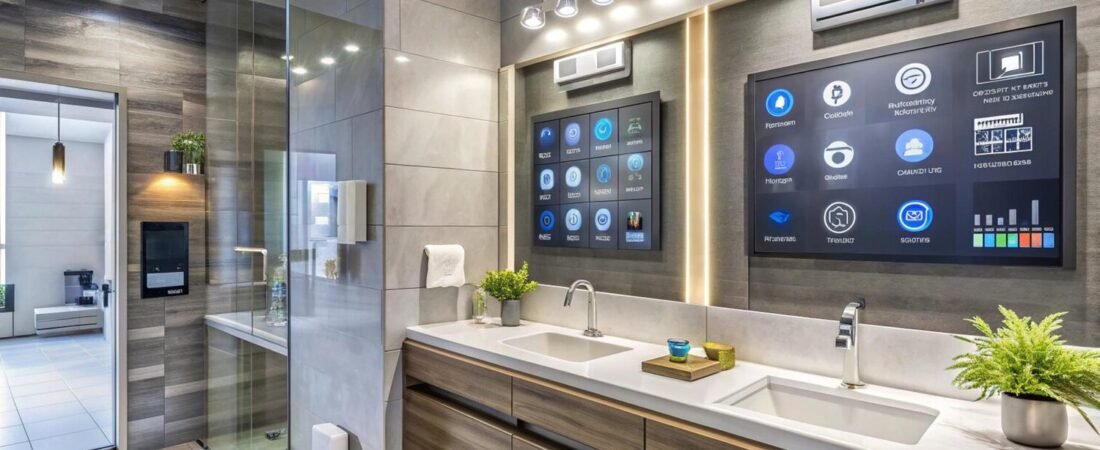
Smart home technology has changed how people manage everyday household activities. Devices that once required manual operation can now be controlled through smartphone applications, voice assistants, or automated schedules.
From smart lighting and security cameras to connected thermostats and automated plugs, there are many products designed to make homes more convenient and easier to manage.
However, choosing smart home devices requires more than looking at their advertised features. Compatibility, installation, security, reliability, and long-term costs should all be considered before making a purchase.
Here are some smart home product categories worth exploring.
1. Smart Lighting Systems
Smart lighting is one of the simplest ways to introduce automation into a home.
Smart bulbs and lighting systems allow users to control brightness, set schedules, and adjust lighting remotely through compatible applications.
Some models also offer adjustable color temperatures and color-changing options.
For bedrooms, warm lighting may create a relaxing atmosphere, while brighter lighting can be useful for kitchens and workspaces.
When comparing smart bulbs, check their brightness, fitting type, Wi-Fi or hub requirements, voice assistant compatibility, and application features.
Also consider whether you need individual smart bulbs or a complete lighting system.
2. Smart Plugs and Power Management
Smart plugs can turn compatible electrical appliances on or off through a mobile application or automated schedule.
They are useful for lamps, selected small appliances, and other devices that can safely operate through a compatible plug.
Some smart plugs include energy monitoring features that provide information about electricity consumption.
Before buying, check maximum electrical load, socket compatibility, network requirements, and safety certifications.
Never use a smart plug with an appliance that exceeds its rated capacity.
3. Smart Thermostats
Smart thermostats help manage heating and cooling systems through programmable schedules and remote controls.
Depending on the model, they may offer temperature sensors, occupancy detection, learning features, and energy usage reports.
These products can be especially useful for households that want more control over indoor temperatures.
However, compatibility is essential. Not every thermostat works with every heating or cooling system.
Check your existing equipment, wiring requirements, supported systems, and installation instructions before purchasing.
4. Smart Security Cameras
Home security cameras provide remote monitoring and can send notifications when motion is detected.
Some models offer two-way audio, night vision, cloud storage, local storage, and intelligent detection features.
Indoor cameras may be useful for monitoring specific rooms, while outdoor models need weather-resistant construction and suitable mounting options.
When comparing cameras, consider video resolution, field of view, night performance, storage fees, privacy settings, and network security.
Review the manufacturer’s privacy policy and enable strong account authentication.
5. Smart Doorbells and Entry Systems
Smart video doorbells allow homeowners to see visitors and receive notifications when someone approaches the entrance.
Depending on the model, they may offer motion detection, video recording, two-way communication, and package monitoring features.
Some systems require subscriptions for cloud recordings, while others support local storage.
Before buying, check power requirements, existing doorbell compatibility, Wi-Fi coverage, and installation limitations.
6. Build a Compatible Smart Home Ecosystem
One important consideration is how different devices communicate.
Some smart home products work with Amazon Alexa, Google Home, Apple Home, or other ecosystems.
Matter-compatible devices may provide broader interoperability, but compatibility should still be checked for the specific device and platform.
Choose products that support the systems you already use instead of purchasing unrelated devices that require separate applications.
7. Compare Long-Term Value
A low-cost smart device may become expensive if it requires monthly subscriptions or additional accessories.
Compare the initial purchase price with ongoing fees, software support, warranty coverage, and replacement costs.